Before we start, answer these three questions to unlock the Android City.
You’ve reached the end of your journey around Android City. Well done! Answer the following 3 questions to find out what you've learned about Android 10.
1
2
3
You scored
0/3
Looks like you need to brush up on your knowledge.
Head to Android City to discover what’s new with Android 10.
You’ll be an expert in no time!
1/3
Looks like you need to brush up on your knowledge.
Head to Android City to discover what’s new with Android 10.
You’ll be an expert in no time!
2/3
Hmmm… not bad for a newbie.
Head to Android City to discover what’s new with Android 10.
You’ll be an expert in no time!
3/3
Wow! Seems like you know a thing or two.
Head over to Android City to discover more of the great new features coming in Android 10.
You scored
0/3
Looks like you could do with getting to know Android 10 a bit better.
Restart the experience to refresh your memory. You'll be an expert in no time!
1/3
Looks like you could do with getting to know Android 10 a bit better.
Restart the experience to refresh your memory. You'll be an expert in no time!
2/3
Hmmm… not bad!
Restart the experience to refresh your memory. You'll be an expert in no time!
3/3
Excellent - you're an Android 10 expert now!
You're ready to tell everyone about what makes the new Android update great.
Restart the experience to explore the city again and refresh your knowledge.
Welcome to Android city
Let’s start exploring!
Follow the hotspots around the city to learn all about the latest features and innovations Android 10 has to offer.
Complete all the hotspots to power up your knowledge.
To explore the city simply drag to rotate the 3D model.
Security & Privacy
Explore the Security & Privacy Center to find out about the new security, privacy and permissions updates in Android 10.
Fantastic!
You’ve discovered the newest updates in the Security & Privacy Center.
You've learned about:
Google Play Protect and Google Play System Updates
New privacy settings
Revised location permissions
Click ‘Back to the city’ to return to Android City.
Security & Privacy in Android 10
Helpful Innovation
Explore the Innovation Museum to discover more about the helpful features coming to Android 10.
Great Job!
You’ve finished exploring the Innovation Museum.
In this neighborhood you learned all about:
Dark Theme
Live Caption
Suggested Actions
Head to the remaining neighborhoods in Android City to learn more.
Helpful Innovation
Dark Theme
The long-awaited, system-wide dark mode is here and works across the Android UI, Google Mobile Services and third-party apps.
Dark Theme improves screen visibility for users who are sensitive to bright light, helps you see your device in low light conditions and saves battery.
Helpful Innovation
Live Caption
We’ve all been sent a video we can’t wait to watch, only to realize we’ve forgotten our headphones.
Live Caption* makes audio and video content instantly accessible.
With one tap you can activate captions for a web video, podcast or even a video you’ve recorded yourself. It even works offline.
*Pixel first feature.
Helpful Innovation
Suggested Actions
You've never been able to get more done with Android.
Smart Replies saves time by suggesting intelligent responses — now across any messaging app.
Suggested Actions lets you take action with a tap. For example, if a friend texts you an address, you can launch Google Maps directly from the notification. No need to copy and paste.
Digital Wellbeing
Discover the Wellbeing Park to learn how Android 10 can help you find the right balance with technology.
Woohoo!
You're quite the explorer!
Let’s have a quick recap of what we’ve just covered in the Wellbeing Park:
Digital Wellbeing dashboard
Family Link
Focus mode
Click ‘Back to the city’ to carry on exploring.
Digital Wellbeing
Wellbeing
Click on a hotspot to find out about the Digital Wellbeing dashboard.
Digital Wellbeing
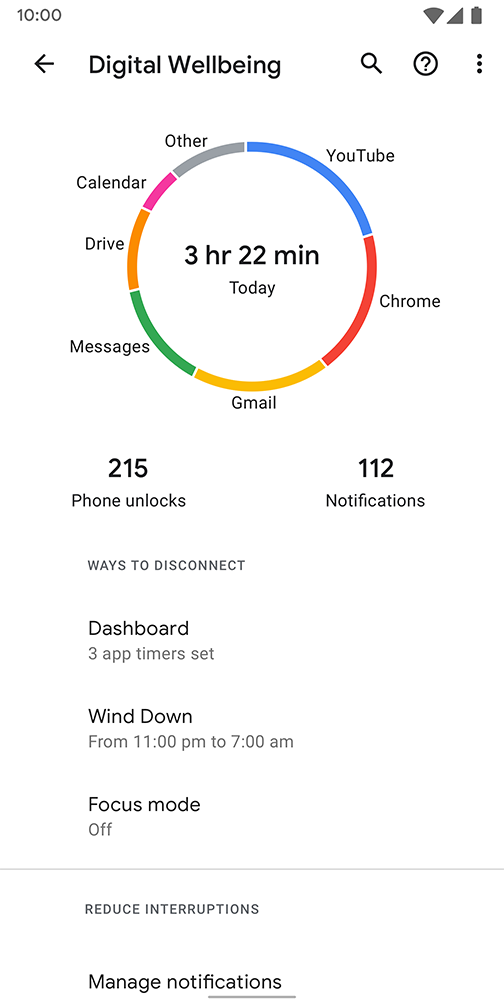
The Digital Wellbeing dashboard is a collection of tools that help users:
Understand their tech usage
Find a better balance with tech
Focus on what matters most
Disconnect when needed
Create healthy digital habits
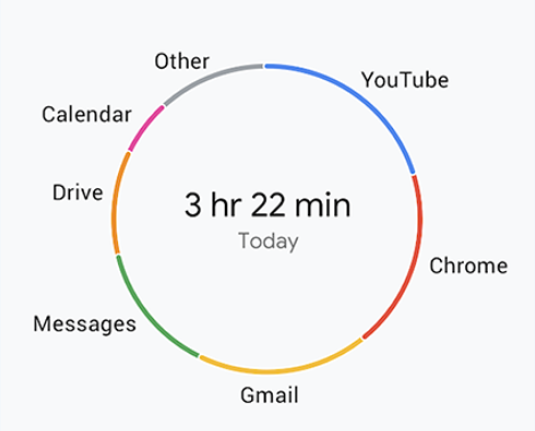
Daily screen time
This snapshot shows what apps are being used, how much time is being spent on them and tracks total screen time.
Notifications
Get insight into the number of notifications received and how often the phone is unlocked.
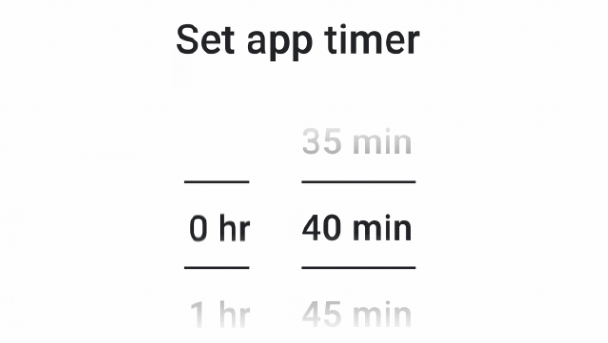
App timers
Easily manage time spent on apps by setting daily app timers. When the timer runs out, the app is paused for the rest of the day.
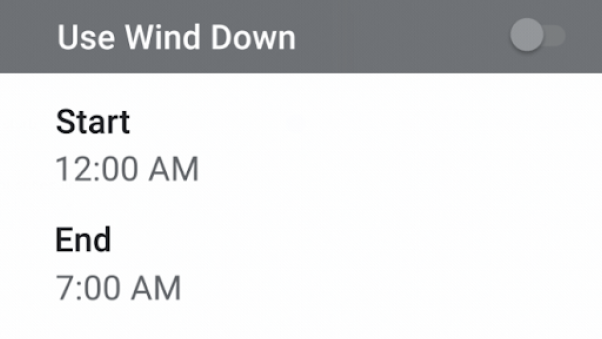
Wind Down
Wind Down helps you switch off at night, letting you set a bedtime schedule for your phone. Grayscale changes the screen to black and white and Do not disturb silences notifications to help you get a good night's sleep.
Digital Wellbeing
Family Link
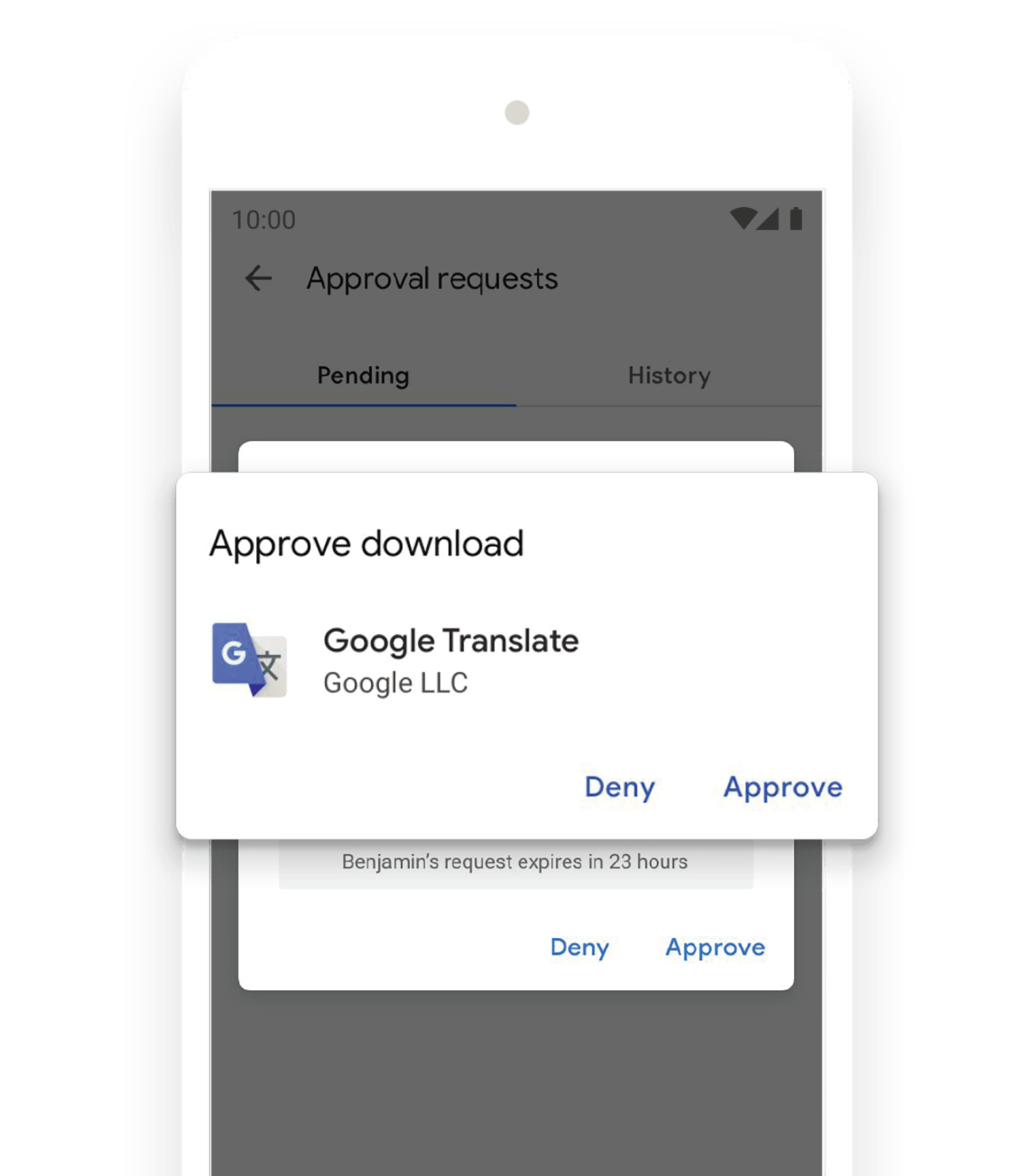
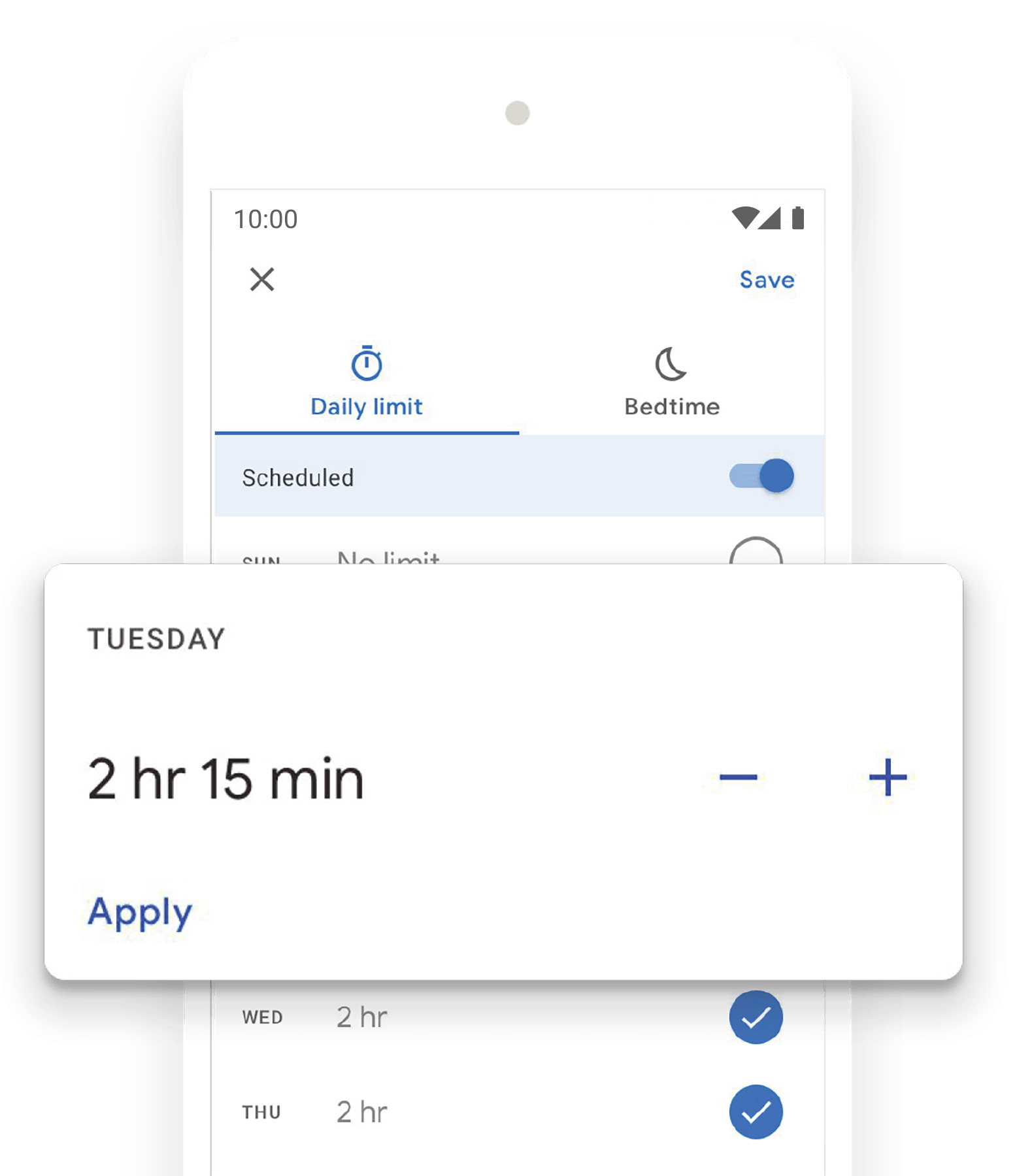
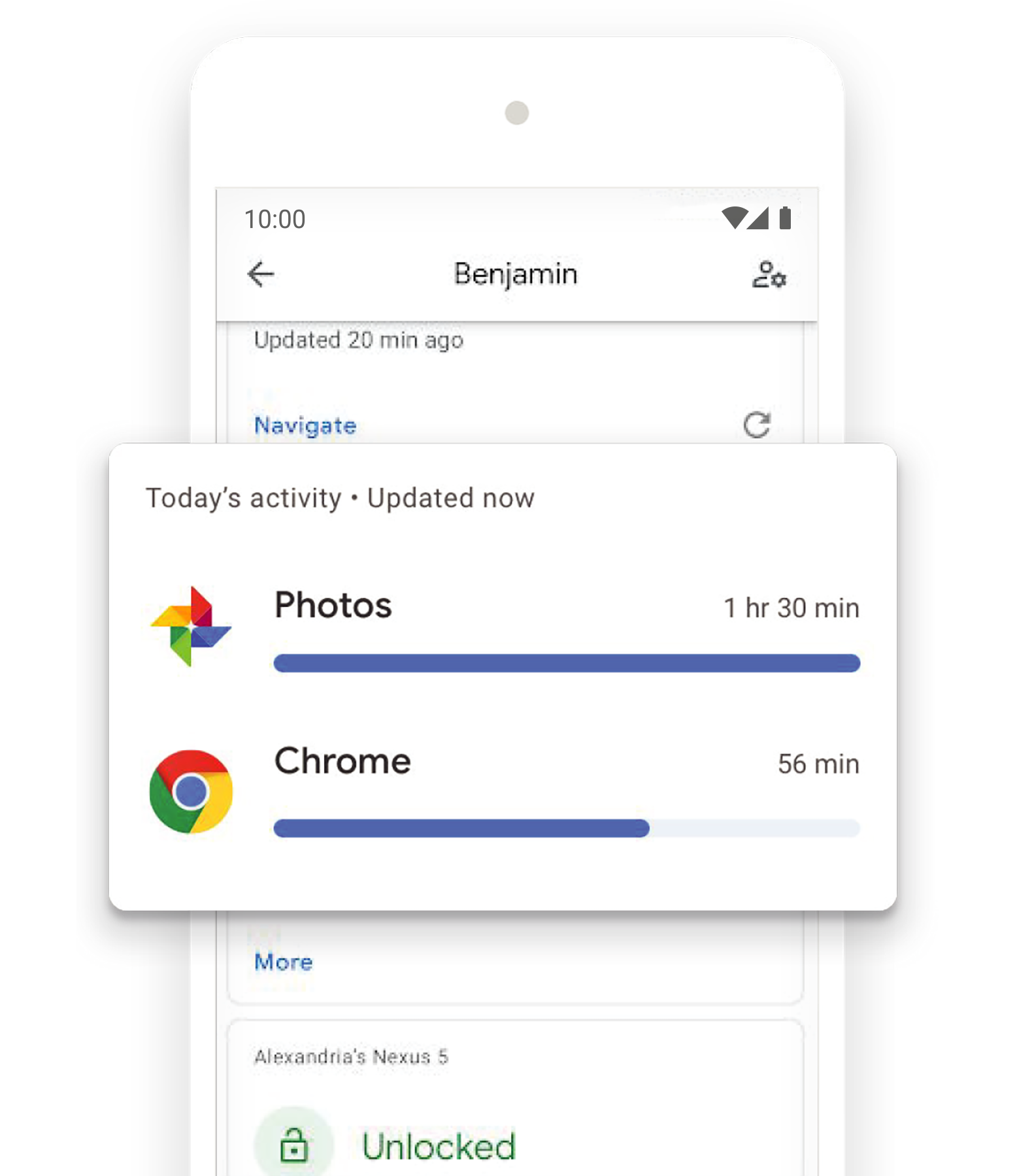
Family Link is integrated into the Android 10 settings menu, making it easier for parents to stay on top of their child’s online activity.
Click the links below to read more about some of the features available on Family Link.
Scroll down to read more about some of the features available on Family Link.